MyBooks

Always know what you're reading, waiting on, and have finished.

Free. No install. No hosting. No account. Just a page that remembers your library for you. It's free for everyone to use, though donations to help fund minimal running costs are always welcome.

Buy Me a Coffee at ko-fi.com
Open MyBooks →
Opens straight in your browser. Works on phone, tablet, or desktop. New to it? See the README for everything it does.
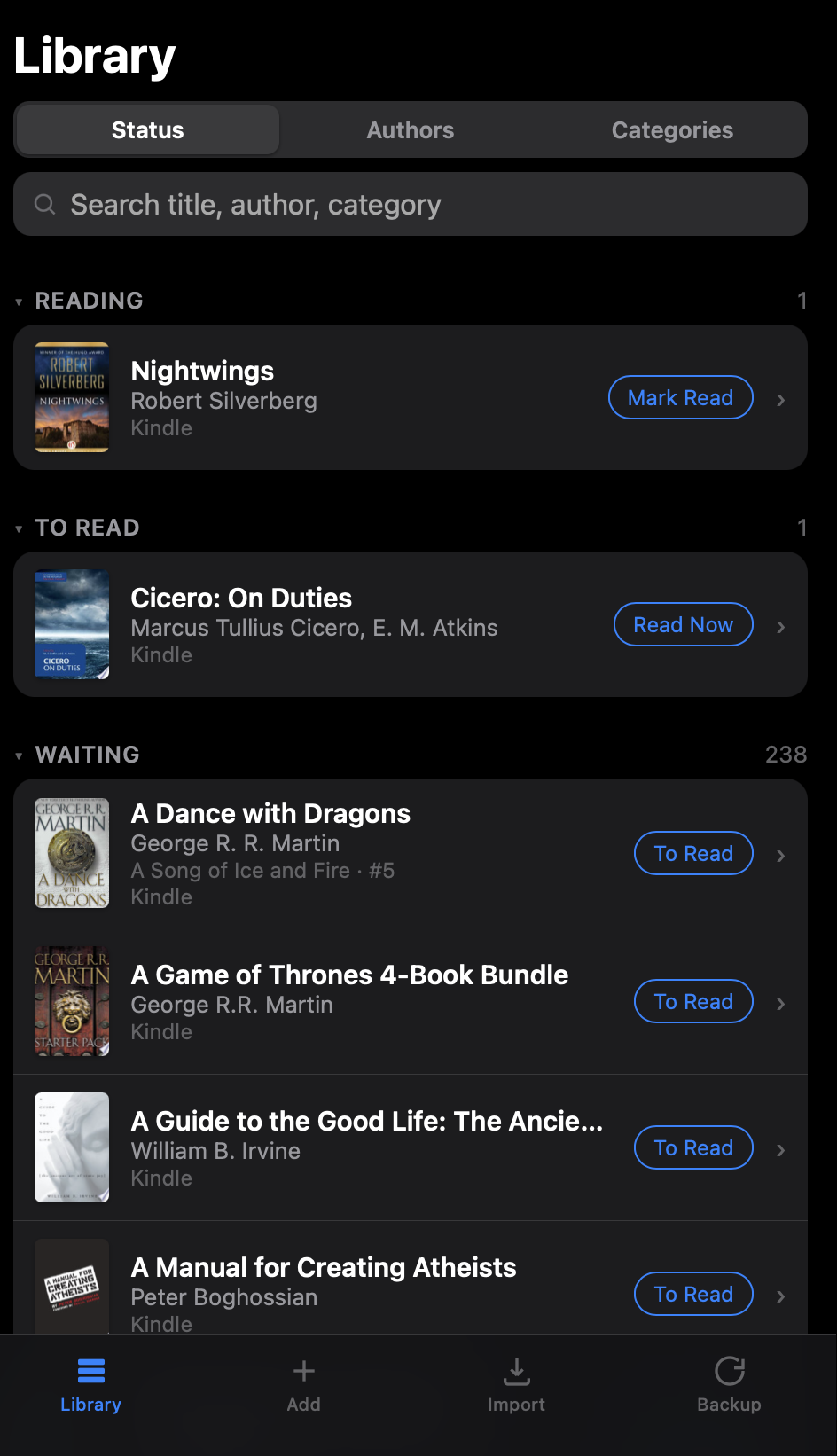
MyBooks list view, grouped by reading status with search and quick actions
List view
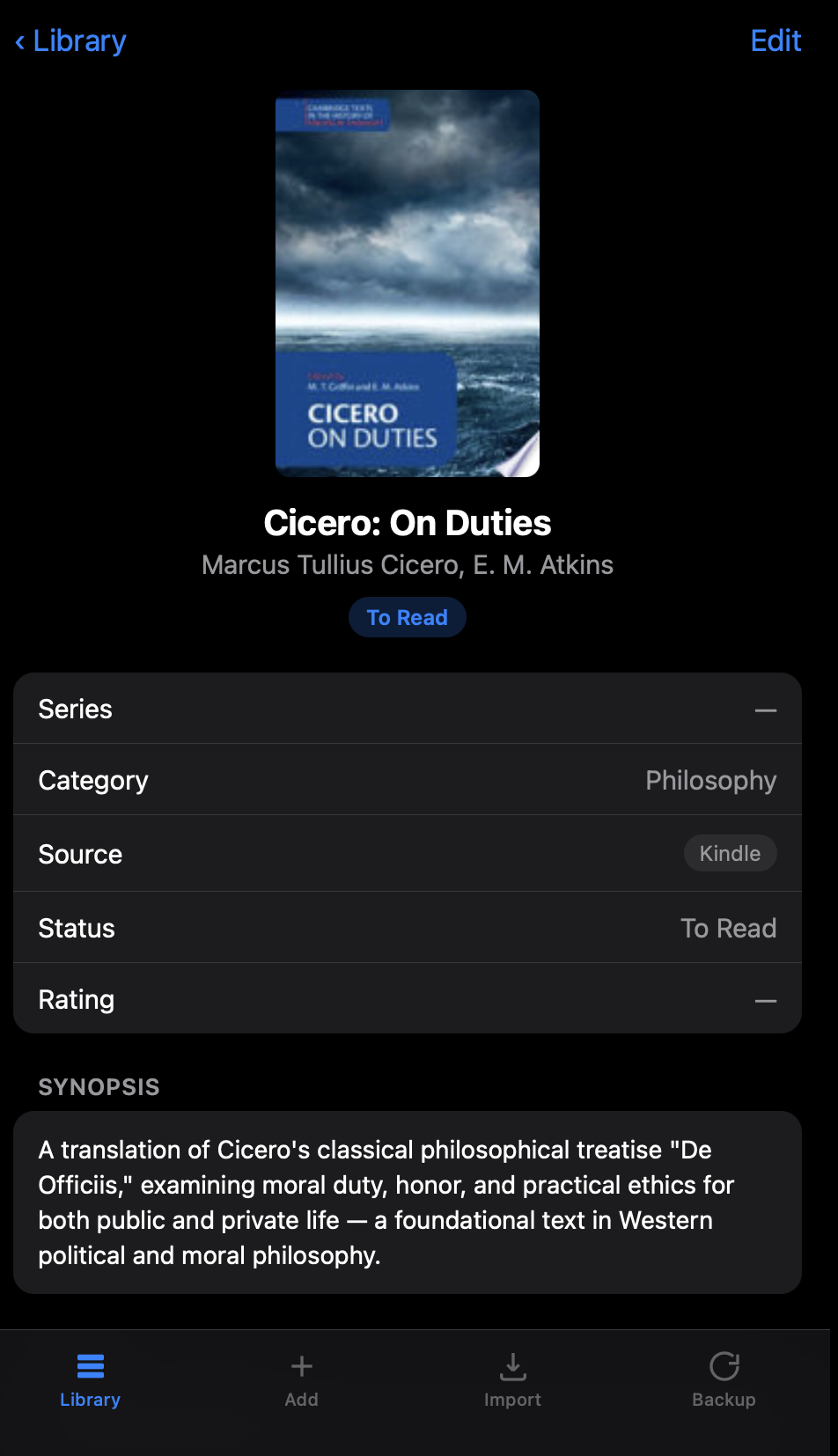
MyBooks detail view for a single book, showing cover, category, rating, and notes
Detail view

Nothing to install. Nothing to host.

This isn't an app you download, and it isn't something you have to set up a server for. It's a single web page that runs entirely in your browser. Open the link, use it, and (optionally) add it to your home screen for quick access — that's just a bookmark shortcut, not a real installation.

Free

No subscription, no ads, no in-app purchases. It costs nothing to use because it costs almost nothing to run.

No install

It's a web page, not an app store download. Open it in any modern browser and it works immediately.

No hosting to set up

It's already hosted. You don't need your own server, domain, or technical setup of any kind.

How it works

  1. Add a book by searching Open Library, a free public database — or add one manually if there's no good match.
  2. Track its status: Reading, To Read, Waiting, Read, or Archive, with a one-tap quick action to move it along.
  3. Fill in a star rating, where you have it (Kindle, Kobo, Library, Personal, or your own), and free-text notes.
  4. Browse everything by status, by author, or by category — or import a whole library at once from a CSV file.

See the full README → for every feature, with details on categories, CSV import, and backup/restore.

Your data stays yours

There are no accounts and no server storing your library. Everything you track is saved only in your own browser's storage, on your own device. The only outside request this page ever makes is looking up book information from Open Library — your library itself is never sent anywhere.

Limitations — read this before you rely on it

See the README for the complete list, plus how self-hosting and backups work.